
Recovering data from an iPad can be a more complex process than recovering data from conventional storage devices. One of the main reasons is that modern iPad models use strong data encryption, and access to the stored information is closely connected to the device’s hardware security architecture.
If an iPad has suffered a severe impact, liquid damage, an electrical failure, or simply stopped powering on for no obvious reason, data recovery may still be possible depending on the physical condition of the device.
In such cases, the primary objective is not always to fully repair the iPad. If restoring all device functions is not possible, it may be sufficient to restore the minimum functionality required to access and extract the data.
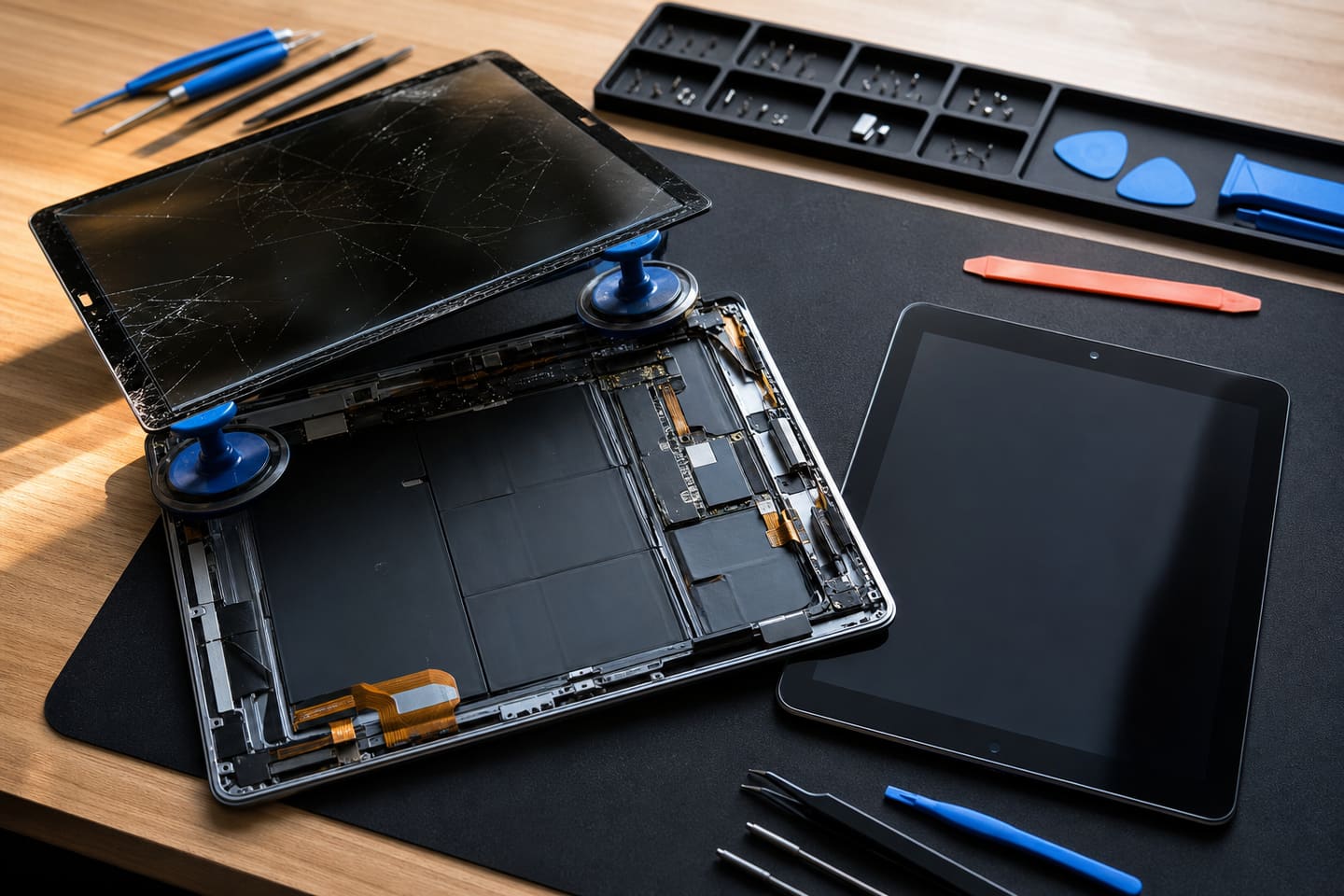
When May iPad Data Recovery Be Required?
Data recovery may be necessary in situations such as:
- The iPad has been exposed to water or another liquid;
- The device has suffered a severe physical impact;
- The motherboard has been mechanically damaged;
- The iPad does not power on;
- The device is stuck on the Apple logo;
- The iPad is experiencing a Boot Loop;
- There is a power or charging system failure;
- There is a problem with the power management system;
- A short circuit has occurred on the motherboard;
- Communication between critical components has been disrupted;
- The motherboard or components were damaged during a previous repair.
Data Recovery Is Not the Same as iPad Repair
This distinction is important.
The goal of complete iPad repair is to restore as many of the device's functions as possible.
The goal of data recovery is to safely obtain access to the information stored on the device and transfer it to another storage medium.
For example, the screen, camera, Touch ID, or another component may remain defective. If the primary objective is to recover photos, videos, documents, and other important data, restoring every function of the iPad may not always be necessary.
iPad Motherboard Diagnostics
Once the device arrives at the laboratory, the first stage is diagnostics.
The technician may check:
- The overall physical condition of the motherboard;
- Signs of liquid damage and corrosion;
- Possible short circuits;
- Power lines;
- Main power rails;
- The power management system;
- USB and charging interfaces;
- Whether the iPad is detected by a computer;
- Signs of previous repair attempts;
- The condition of the CPU and NAND storage system.
In more complex cases, specialized equipment such as a microscope, laboratory power supply, multimeter, oscilloscope, and thermal diagnostic equipment may be used.
NAND Flash Memory and CPU
One of the most important aspects of iPad data recovery is the relationship between NAND Flash memory and the SoC/CPU within the device's security architecture.
NAND memory may contain:
- Photos;
- Videos;
- Documents;
- Application data;
- Other user information.
However, on modern iPads, simply removing the NAND chip and installing it in another device does not provide access to the stored data.
Data encryption is connected to the device's hardware security architecture. Therefore, the condition of the CPU can be critical to successful data recovery.
If the main processor is seriously damaged and the required security mechanisms cannot operate, the physical presence of data in the NAND memory does not necessarily mean that the information can be read as normal user files.
For this reason, iPad data recovery often focuses not on simply reading the NAND chip separately, but on restoring the original operating environment that allows the original CPU and storage system to work together.
Previous Repair Attempts
If the iPad has already been repaired by another service center, the data recovery process may become significantly more complicated.
For example:
- Motherboard traces may have been damaged;
- BGA pads may have been lifted;
- Components may have been incorrectly replaced;
- The CPU or NAND area may have suffered mechanical damage;
- Components may have been damaged while corrosion was being removed;
- Additional short circuits may have been introduced;
- Original components may have been replaced.
For this reason, it is important to inform the technician whether the iPad has previously been opened or repaired.
Why Is the iPad Passcode Important?
During the data recovery process, the iPad screen passcode can be critically important.
Because the data stored on the device is encrypted, physically restoring the device to an operational state does not automatically provide access to photos and other files.
The owner must know the device passcode.
Password cracking, security bypass, or obtaining data by circumventing the device's security mechanisms is not part of our data recovery service.
Recovery of Deleted Data
Recovering existing data from a damaged iPad and recovering data that was previously deleted are two different tasks.
If the objective is to retrieve information that is still stored on the device, the main goal is to restore access to the existing data.
If the information was deleted before the device became damaged, the possibility of recovery depends on factors such as the specific iPad model, operating system version, storage technology, and whether the relevant storage areas have been overwritten.
Therefore, the possibility of recovering deleted data is determined individually after diagnostics.
What Types of Data Can Be Recovered?
Depending on the condition of the device and accessibility of the information, it may be possible to recover:
- Photos;
- Videos;
- Documents;
- Files;
- Contacts;
- Notes;
- Application data;
- Other user information.
However, it is not technically possible to guarantee in advance that all data will be recovered.
Transfer of Recovered Data
Once access to the data has been obtained, the recovered information can be transferred to:
- An external SSD;
- An HDD;
- A USB storage device;
- Another storage medium provided by the customer.
For large amounts of data, an external SSD may be a more convenient option.
After the transfer, we recommend that the customer check the most important photos, videos, documents, and other files.
Data Confidentiality
Customer information is handled confidentially.
Photos, videos, documents, and other personal information should not be disclosed or transferred to third parties.
After the recovery process has been completed, data storage and deletion should be performed according to the service center's established procedures.
How Long Does iPad Data Recovery Take?
The recovery time depends on the condition of the iPad.
Relatively simple cases may be completed more quickly. Liquid damage, multiple component failures, damaged motherboard traces, and previous unsuccessful repair attempts may require significantly more diagnostic and microsoldering work.
The exact recovery time can only be determined after the initial diagnostic examination.
What Is the Probability of Recovery?
It is technically incorrect to guarantee 100% data recovery in advance.
The result may depend on:
- The physical condition of the motherboard;
- CPU condition;
- NAND memory condition;
- Power supply system;
- Level of corrosion;
- Previous repair attempts;
- iPad model and generation;
- State of the device's encryption and security system;
- Availability of the correct device passcode.
For this reason, instead of promising a specific recovery percentage, the actual recovery possibilities are evaluated after diagnostics.
Important Warning
If the iPad contains important data, avoid repeatedly attempting to power it on or charge it, and do not attempt system recovery using various software tools without first evaluating the device.
In particular:
If the iPad has been exposed to liquid, do not connect it to a charger.
Applying power to a liquid-damaged device can cause further corrosion and short circuits.
If the information stored on the iPad is important, it is safer to stop using the device and seek professional diagnostics.
iPad Data Recovery — DataRecovery.az
DataRecovery.az provides diagnostics and data recovery services for damaged and non-working iPads, including motherboard-level diagnostics, electronic repair, and restoration of access to stored data.
The primary objective is not necessarily to fully restore the device itself, but to restore the functionality required to safely access and extract the customer's data.
DataRecovery.az — Professional iPad and Apple device data recovery.